Thanksgiving football guideHosting a Thanksgiving Lock Party with Points Mode
Stuff the turkey, hug grandma, and put on the games. This year, turn the family's football day into a living-room leaderboard. Free for up to 5 players, with no real money at stake.
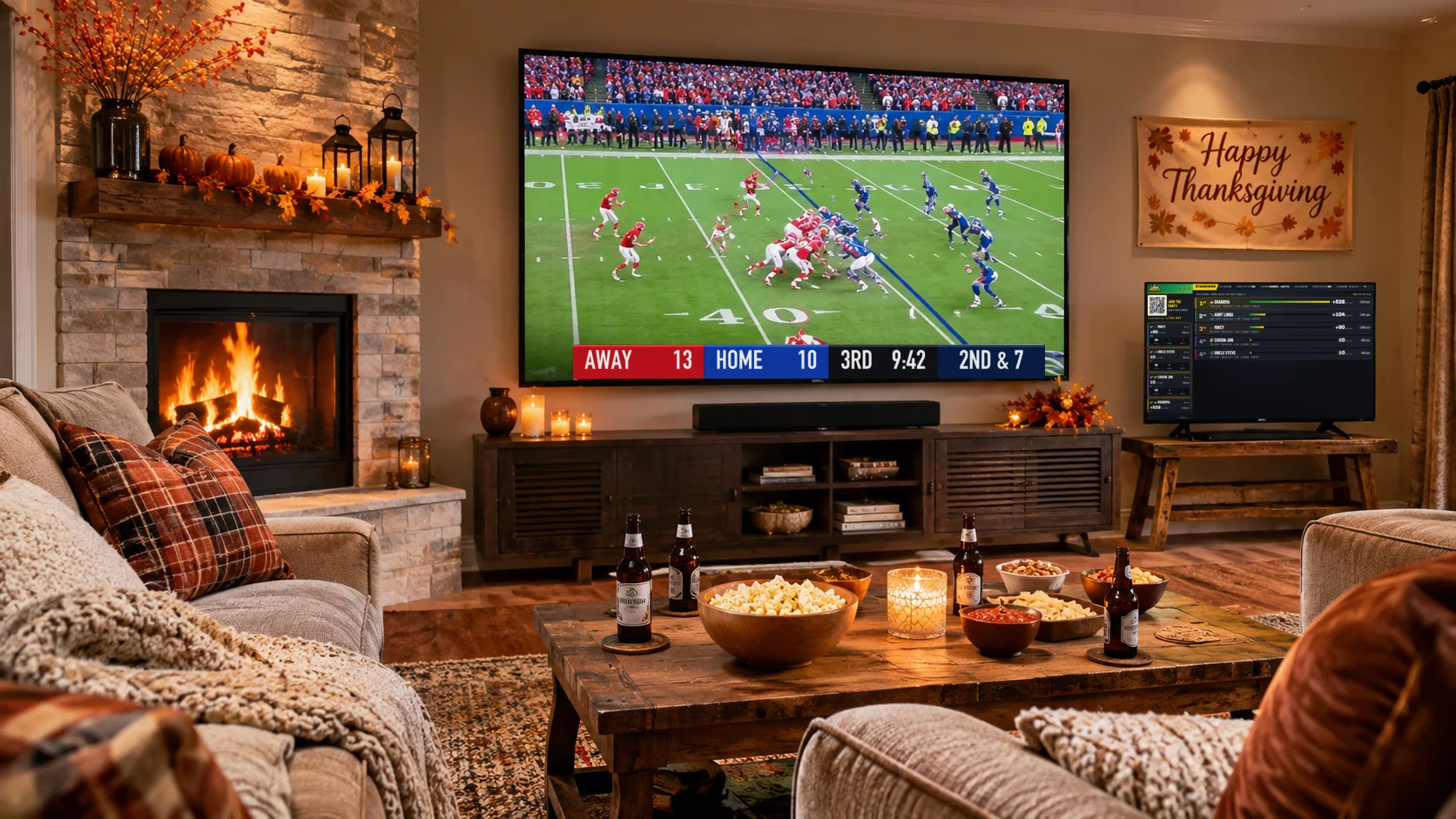
Are you ready for the Thanksgiving holiday? Want to amp up the fun with the family? This year, host a Lock Party in your living room. Here's how to put it together in three steps.
1Set up your free host account
First, set up your Lock Party host account. It's free for up to 5 players, and you're player one, so go for it. Uncle Steve, Cousin Jon and your nephew Mikey, back from college, are all ready to get in on the fun.
As the host, you pick the sports that show on your party's board. Keep it simple with just the NFL, or get fancy and add college football: TCU at Texas Tech is the only college game on Thanksgiving Day this year, at night on ESPN. You can open it up to the NBA, NHL and college basketball too, if you want to make Black Friday a party as well. It's a huge weekend of sports, and it's your call since you're the host.
When you set up the party for this family celebration, choose Points Mode. That means no real-money wagers. Everyone starts the party with 1,000 points, and whoever finishes with the most points wins. Pure bragging rights. Or maybe Thursday's winner gets to sleep in on Black Friday.
At setup you also choose how long a round lasts. Daily starts everyone fresh each morning, so Thursday crowns its own winner. Pick Until you end it to run one leaderboard from Thanksgiving through Sunday's games.
The 2026 Thanksgiving football schedule
| Kickoff | Game | TV |
|---|---|---|
| 1:00 PM | NFLChicago Bears at Detroit Lions | CBS |
| 4:30 PM | NFLPhiladelphia Eagles at Dallas Cowboys | FOX |
| 8:00 PM | NCAAFTCU at Texas Tech | ESPN |
| 8:20 PM | NFLKansas City Chiefs at Buffalo Bills | NBC, Peacock |
Keep the party going on Friday, November 27: the Denver Broncos visit the Pittsburgh Steelers at 3:00 PM Eastern on Prime Video, with college football and a full night of NBA and NHL games around it.
2Get Lock Party on the big screen
Go dust off that old Walmart-special TV in the guest room. Lock Party's board is a web page, so all you need is a way to get a web page onto the screen:
- Mac or iPhoneAirPlay it to an Apple TV, or to a smart TV with AirPlay built in.
- Windows or ChromeCast the browser tab to a Chromecast or Google TV device, like Walmart's onn. streaming stick.
- Roku or Fire TVTurn on screen mirroring on the stick and mirror your laptop to it.
- No streamer?Open the link in the smart TV's own browser, or plug a laptop in with an HDMI cable.
Then log in to your Lock Party account on your computer, open your party's host page, and click TV display. Easy as that.
3Invite the family to join in
Your party is now up on the big screen, with its QR code on display. Everyone scans the code with their phone and joins your party, with no app to download. They sign in with an email address and a 6-digit code.
As each player joins, they build their combos for the day. Think the Bears take the Lions? Great, add it. Think it'll be a defensive slugfest? Add the under. Stack the picks into a combo, lock it in, and let the party begin.
Let the best combos win
As the games get going, everyone sees their picks up on the board, and players can add new combos whenever they like. The board keeps up with the scores on its own, so the whole room knows which picks are helping and which are hurting. At the end of the night, once all the games are settled, a winner is crowned on the leaderboard.
We hope you enjoy your Thanksgiving surrounded by friends and family. Here at Lock Party, we can't wait to become a fun part of your holiday traditions.
Quick answers
Does it cost anything?
No. A party is free for up to 5 players, including you. No card, no trial clock.
Is any real money involved?
Not in Points Mode. Everyone plays with points for bragging rights. Lock Party is for entertainment only and never takes, places or settles wagers.
Does Grandma need to download an app?
No. She scans the code on the TV and plays from her phone's browser.
What if more than five people want to play?
The free party covers five players. For the whole family, a Weekend pass takes it to 10 players for 5 days, which covers Thursday through the Sunday games, for $14.99 with no subscription. Buy it from your party's admin page; see hosting at home for the details.